Start here
Getting started
Published Updated
Add Martine to your server, log in to the dashboard and run your first commands. It takes about five minutes.
What it does
Martine is a Discord bot with a dashboard. You add her to your server once, then set her up from this website or with commands in Discord. Every module is free to use, and premium adds more room and a few extras.
Add Martine to your server
You need Manage Server on the server you add her to.
- Step 1: Add Martine to Discord: Press the Discord button at the top of this site's pages, or open invite.martinebot.com (opens in a new tab).
- Step 2: Pick your server: Discord lists the servers where you have Manage Server. Pick one, then press Continue.
- Step 3: Authorize: Keep the permissions ticked and press Authorize. Martine joins your server and Discord sends you back to this site.
Logged in and able to manage that server, you land on its Overview. Otherwise a page tells you Martine is in your server, with the first steps. If she is missing permissions there, press Grant the permissions: her settings stay as they are.
Log in to the dashboard
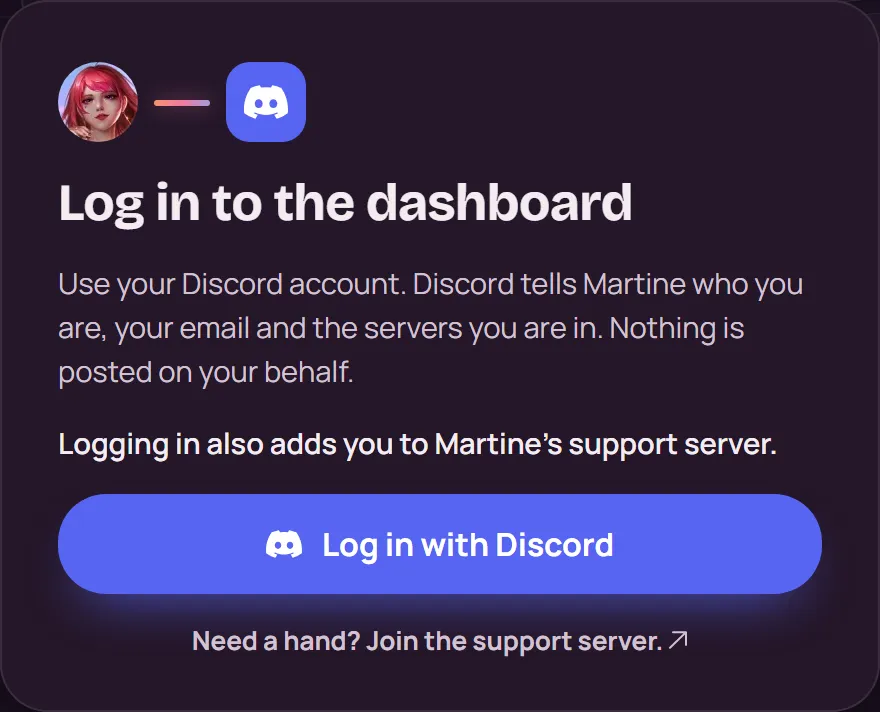
- Step 1: Log in: Press Dashboard at the top of any page, then Log in with Discord. Discord shows what Martine asks to see; press Authorize.
- Step 2: Pick your server: Your servers lists every server you can manage. Press Open dashboard on one with Martine, or Add Martine on one without her.
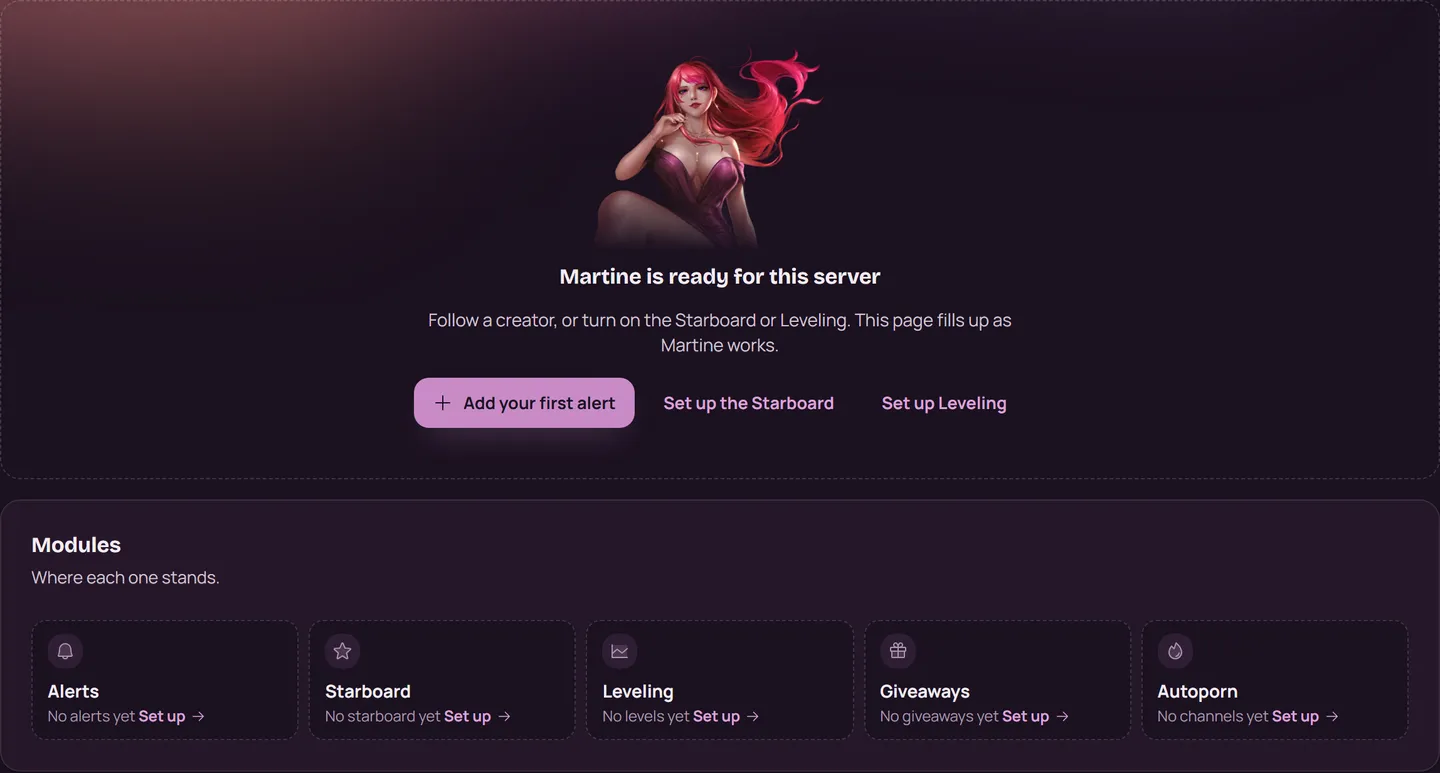
- Step 3: Look around: A server opens on its Overview: where each module stands and what needs your attention. The bar leads to Alerts, Essentials, NSFW and Settings.
A server shows up in Your servers when you own it, have Administrator or Manage Server there, or are on its dashboard access list.
Logging in also adds you to Martine's support server, once. Leave it whenever you like: she never adds you back.
With commands
Type the prefix and a command in any channel Martine can read. The prefix is , unless your server changed it.
,help: every command, by category./help: the same as a slash command. Most commands are slash commands too: type/in Discord and pick Martine's.@Martine help: a mention works whatever the prefix is.,prefix: the prefixes your server uses.,invite: her invite link, to add her to another server.,support: a link to the support server.
The Commands page lists every command, with what it does.
If it doesn't work
- Your server isn't in Discord's list? You need Manage Server there.
- A server is missing from Your servers? Its owner or an Administrator can add you to its dashboard access in Settings.
- Martine doesn't answer? Martine isn't answering walks through her permissions, the prefix and the commands switched off.
- Still stuck? Ask in the support server (opens in a new tab).
More in this group
Questions about this tutorial? Ask in the support server (opens in a new tab).